Loading workspace...

Combine Multiple Photos Into One New AI Image AI Image Combiner

Use AI Image Combiner to bring people, objects, outfits, products, and backgrounds from different references into one coherent result

Upload two or more reference photos, describe what to take from each image, and let AI Image Combiner create one unified scene. Use AI Image Combiner with prompt instructions to control who appears, what changes, and where each element belongs without building a manual collage.

Upload multiple reference photos
Describe how the images should be combined
Generate one coherent AI-created image
Hero image
AI Image Combiner

How to Use AI Image Combiner

Upload two or more references, tell AI Image Combiner what to combine, review the available output controls, and click Generate Image. This direct workflow makes it easy to Combine Multiple Images with AI while keeping the relationship between each reference clear.

1

1. Upload Two or More Reference Images

Start AI Image Combiner by uploading at least two images. Add the people, objects, outfits, products, animals, or backgrounds you want as references. The upload area provides up to eight reference slots, so you can Combine Multiple Images with AI when your idea needs more sources. Choose clear images where important details are easy to see. AI Photo Combiner relies on those visible details, while AI Image Combiner keeps each upload distinct.

2

2. Describe Exactly How to Combine Them

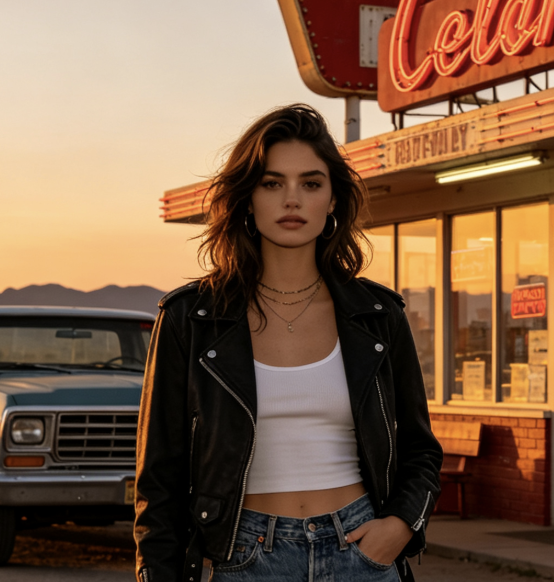
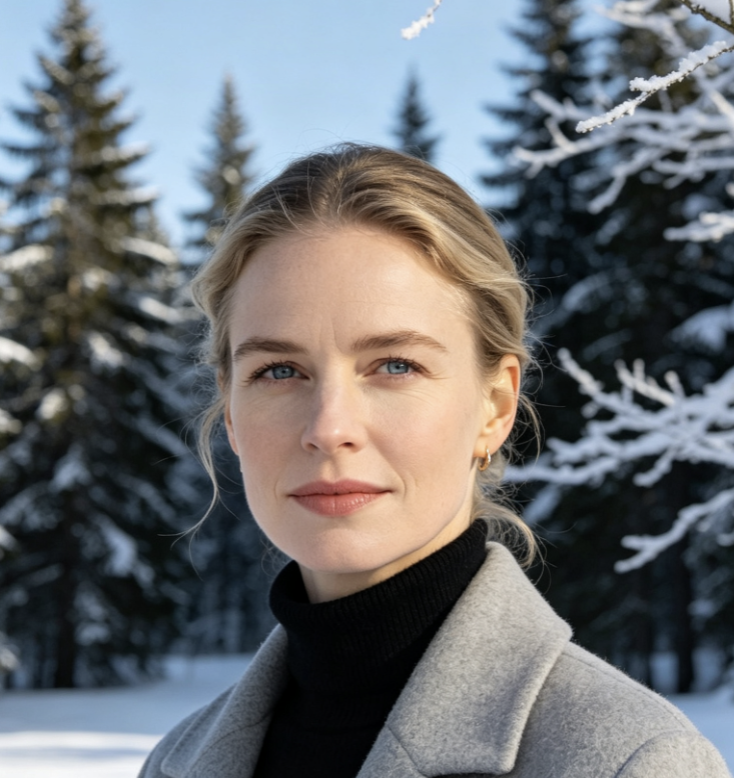
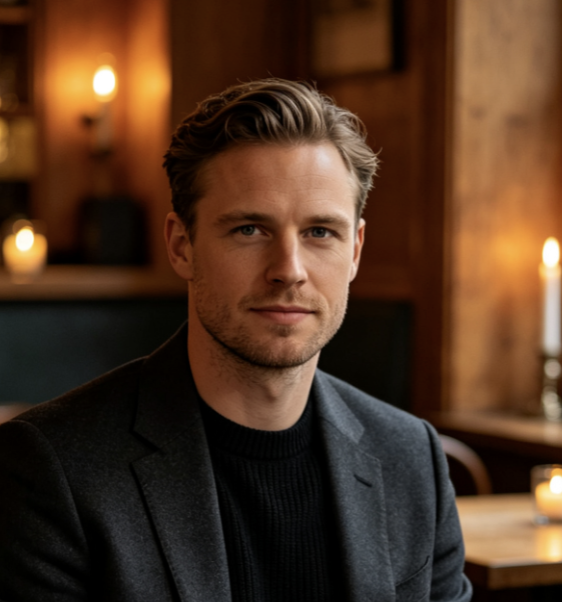
In the prompt box, explain what AI Image Combiner should take from each reference and how the final scene should look. For example: “put the person from Image 1 in the outfit from Image 2 and use Image 3 as the background.” AI image combiner with prompt control clarifies relationships between references. Merge Images with AI by naming the source, element to keep, and intended placement. AI Image Combiner works best with clearly assigned roles.

3

3. Review Output Controls and Generate

Before generation, review Image Size, Resolution, Number of Images, Public Visibility, and optional Advanced Settings shown in the workflow. Keep the defaults when you do not need changes, then click Generate Image. AI Image Combiner processes the references with your text direction and returns a new image. Create more than one result to compare interpretations from AI Image Merger. AI Image Combiner can reuse the same references.

What AI Image Combiner Helps You Create

AI Image Combiner is designed for situations where the visual pieces already exist but not in the same image. Use AI Photo Combiner to connect those pieces through natural-language direction, and use AI Image Merger when you want the references rebuilt as one coherent result instead of simply placed next to each other.

Put a Person Into an Outfit From Another Photo

Put a Person Into an Outfit From Another Photo

Use AI Image Combiner when a person and outfit exist in separate photos. Upload both references, then tell AI Image Combiner which clothes to apply while keeping the person’s recognizable face, hair, and appearance. AI Photo Combiner is useful for styling concepts, costume planning, and character looks where manual cutouts would feel artificial. AI Image Merger rebuilds body, fabric, lighting, and pose as one scene. AI Image Combiner connects identity and wardrobe references. AI Photo Combiner supports quick variations.

Bring People or Objects Into the Same Scene

Bring People or Objects Into the Same Scene

AI Image Combiner can place subjects from separate photos into one believable environment. Combine friends, add a pet beside its owner, or place several products in one scene. When you Merge Images with AI, describe where each subject belongs and how they relate. AI Photo Combiner preserves useful reference details while AI Image Merger rebuilds perspective, scale, shadows, and spacing. AI Image Combiner directs multi-subject scenes. AI Image Merger can generate alternate arrangements.

Reuse a Background Without Losing the Main Subject

Reuse a Background Without Losing the Main Subject

Upload one image for the main subject and another for the setting. AI Image Combiner can keep the subject recognizable while rebuilding the scene around a new background. AI image combiner with prompt instructions can specify whether to preserve the pose, change framing, or adapt lighting. AI Photo Combiner makes the setting part of the generated scene rather than a pasted layer. AI Image Combiner adapts the subject to the location. AI Photo Combiner keeps the result visually connected.

Build a New Concept From Several Visual References

Build a New Concept From Several Visual References

Some ideas need more than two sources. AI Image Combiner can use separate references for a character, clothing, accessory, object, and environment. This makes it practical to Combine Multiple Images with AI without assembling every element by hand. Tell AI Image Merger which details matter and how they should interact. AI Photo Combiner can reinterpret those sources as one scene for mood boards, character concepts, or product compositions. AI Image Combiner assigns each reference a role. AI Image Merger recomposes those roles together.

Why Use AI Image Combiner for Multi-Image Creation

AI Image Combiner gives each uploaded reference a purpose instead of treating the files as separate pictures. With AI Photo Combiner and AI Image Merger workflows, you can define what to preserve, what to replace, and how the final elements should interact. That makes multi-image generation easier to direct.

Tell the AI What to Take From Each Image

Reference images can contain useful and unwanted details together. AI Image Combiner lets you state what matters: keep the face from one image, use clothing from another, add an object from a third, or borrow only the background. AI image combiner with prompt control reduces ambiguity by pairing visual references with written relationships. This matters when you Combine Multiple Images with AI and each source has a different role. AI Image Combiner keeps those roles explicit.

Create One Scene Instead of a Collage

Traditional image joining can leave visible boundaries, mismatched backgrounds, or separate panels. AI Image Combiner instead reinterprets selected content as one scene. When you Merge Images with AI, the result can adjust scale, light, perspective, shadows, and placement so elements feel connected. AI Image Merger suits newly generated compositions rather than simple horizontal or vertical joins. AI Image Combiner targets one integrated result.

Keep Important Identity and Reference Details

AI Image Combiner can use clear references to retain recognizable faces, hairstyles, clothing cues, product shapes, colors, and other defining details. A precise prompt tells AI Photo Combiner which traits must stay stable and which can change. AI Image Merger works best when the source clearly shows what should be preserved. AI Image Combiner prioritizes those details. AI Photo Combiner can preserve selected traits.

Use Several References for More Specific Ideas

AI Image Combiner helps when one reference cannot communicate the full idea. Add separate examples for the subject, clothing, prop, setting, or visual detail, then explain how they connect. This lets you Combine Multiple Images with AI with a clear plan. AI Photo Combiner interprets several references together, adding specificity without describing every visual detail from scratch. AI Image Combiner directs the reference set. AI Image Merger can explore alternate compositions.

Refine the Result by Changing Only the Prompt

If the first result has the right references but the wrong arrangement, keep the uploads and rewrite the relationship. Move an object, change who holds it, adjust the setting, or specify which image should dominate. AI image combiner with prompt direction makes iteration easier. AI Image Combiner can generate another interpretation from the same inputs while AI Image Merger follows the revised request. AI Image Combiner supports prompt-led iteration.

Explore AI Image Combiner Online Free Workflows

People searching AI image combiner online free often want to test whether several references can become one convincing image. AI image combiner online free intent fits quick experiments, early concepts, and comparison testing. Upload references, describe the combination, and generate. Use clear images and direct instructions so AI Photo Combiner has enough information to build the scene.

What Creators Say About AI Image Combiner

Creators use AI Image Combiner for styling concepts, product compositions, shared scenes, and multi-reference exploration. These examples show how AI Photo Combiner and AI Image Merger workflows can turn separate source images into one directed visual result.

Visual Designer

I used AI Image Combiner to place a client’s product in a different lifestyle setting. The prompt kept the product shape from one photo and the room from another. This workflow gave me a unified starting point and made concept variations easy.

Leah M.
Leah M.
Freelance Visual Designer
Content Creator

I wanted one image with my dog, a jacket from another photo, and a city background. AI Image Combiner worked better once I named each image in the instruction. Being able to Merge Images with AI saved me from describing every detail. AI Photo Combiner kept the subject recognizable, while AI Image Merger gave me another layout.

Marcus T.
Marcus T.
Content Creator
Business Owner

AI Image Combiner helped me test product-scene ideas from photos I already had. I could Combine Multiple Images with AI, change only the written arrangement, and generate another composition. AI Image Merger made several objects feel photographed together, while AI Photo Combiner helped me test another arrangement.

Nina P.
Nina P.
Small Business Owner
Concept Artist

I use AI image combiner with prompt instructions when a concept depends on several references. AI Image Combiner lets me assign the character, clothing, prop, and location to different images. AI Photo Combiner is practical for early exploration, while AI Image Merger gives me a coherent base image to refine.

Owen C.
Owen C.
Concept Artist

AI Image Combiner Questions

Get concise answers about reference images, prompts, multi-image generation, AI Photo Combiner workflows, AI Image Merger intent, and how to Merge Images with AI more clearly.

AI Image Combiner uses two or more uploaded references plus your text instruction to generate one new composition. It can reuse selected subjects, objects, clothing, or backgrounds from different images.

Bring the right subject, object, outfit, and background into one composition

Turn Separate References Into One New Image

Upload your references, explain how they should connect, and let AI Image Combiner build the final composition. Use AI Photo Combiner for people, products, pets, clothing, and backgrounds, or use AI Image Merger to explore more complex multi-reference concepts. Combine Multiple Images with AI and refine the result by changing the prompt instead of rebuilding the composition manually.

Use two or more reference images
Describe exactly how elements should combine
Generate a unified scene from multiple sources