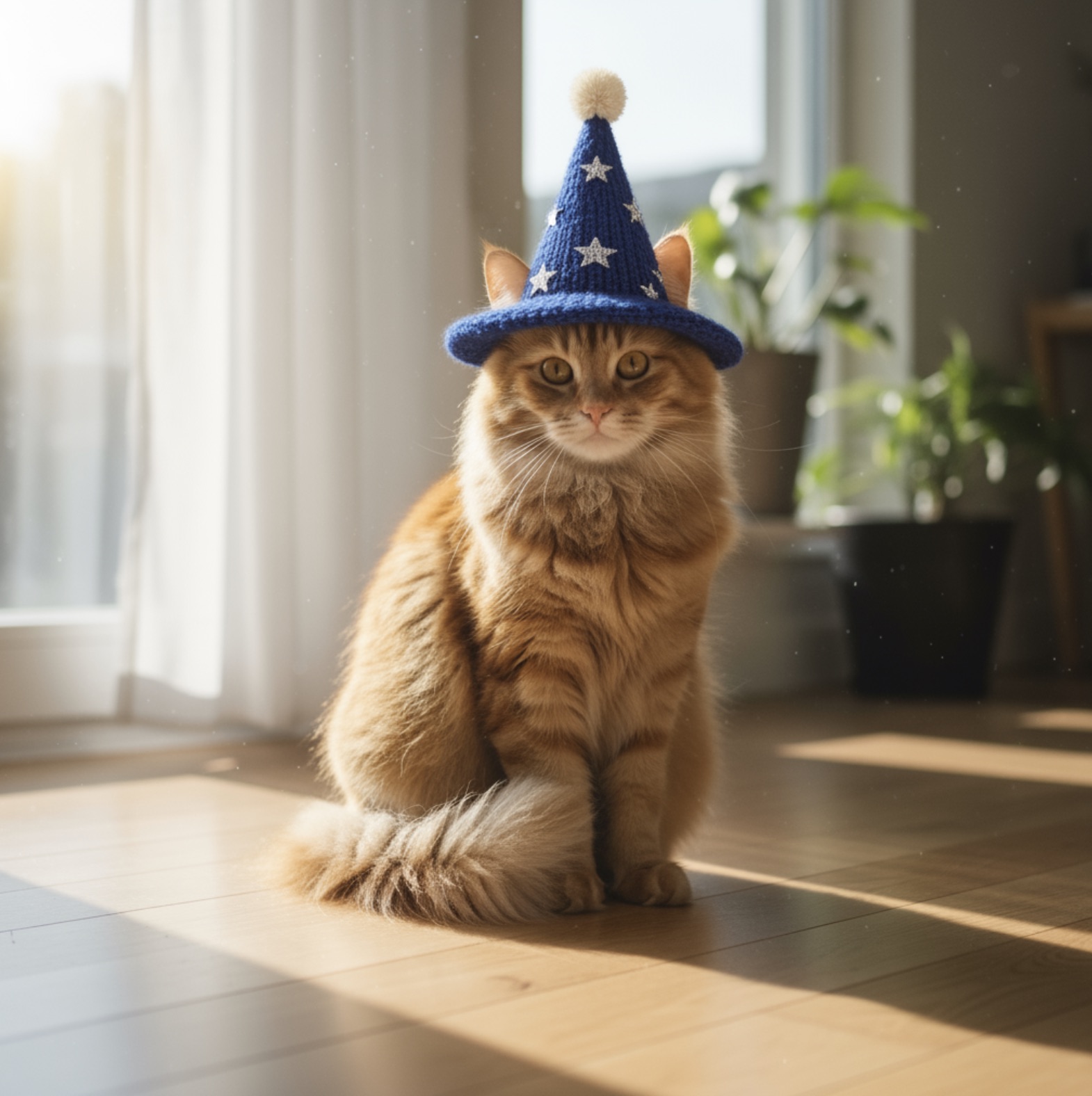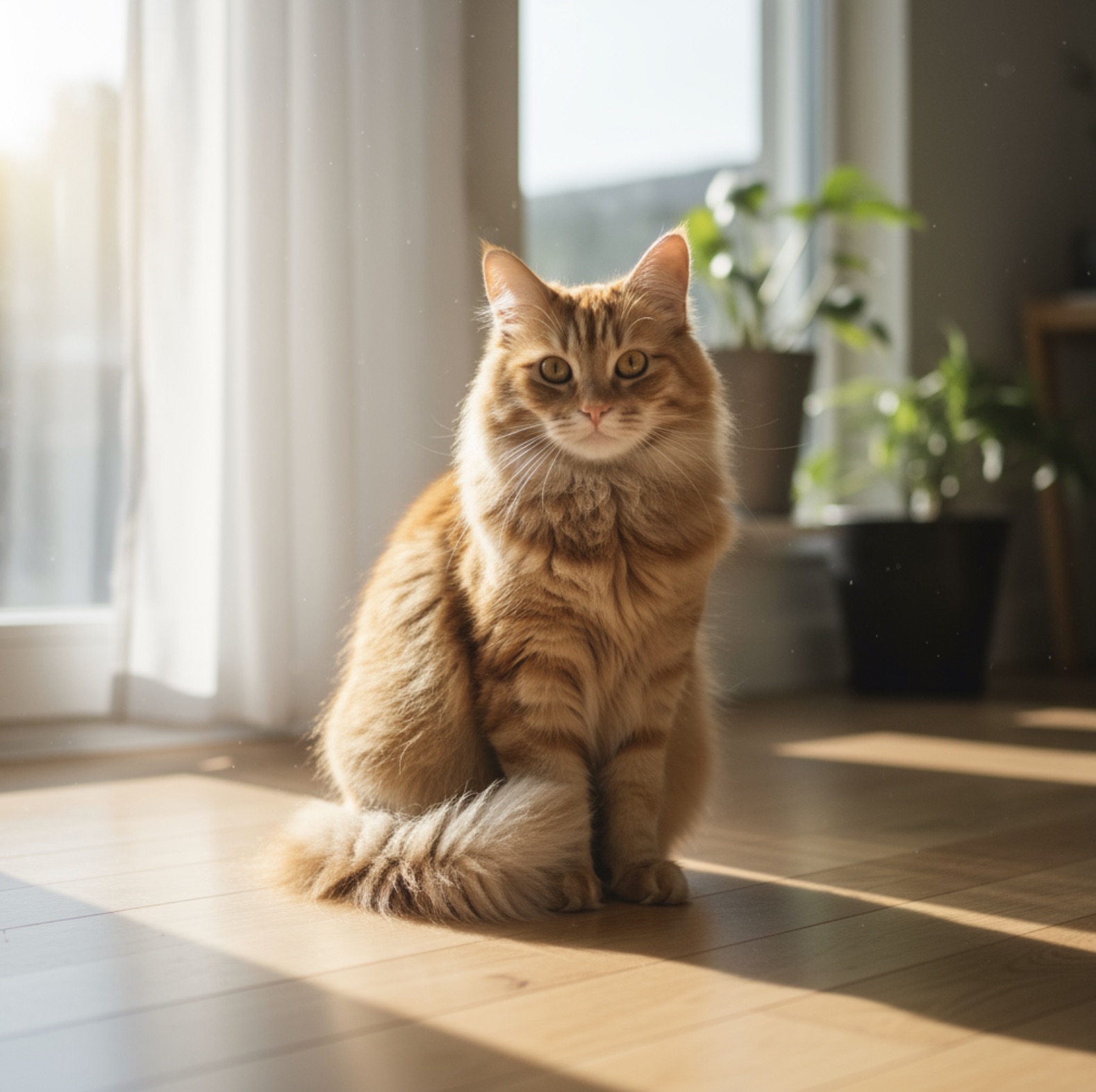
Widescreen Video Thumbnail Concept
Generates a high-impact, clean composition for video thumbnails with a clear focal point on the right and negative space for text on the left.
Nano Banana Pro
Create images online with the Nano Banana image generator on SeeAPI. Explore prompt-based and reference-image workflows, then prepare to bring Nano Banana API access into your product.

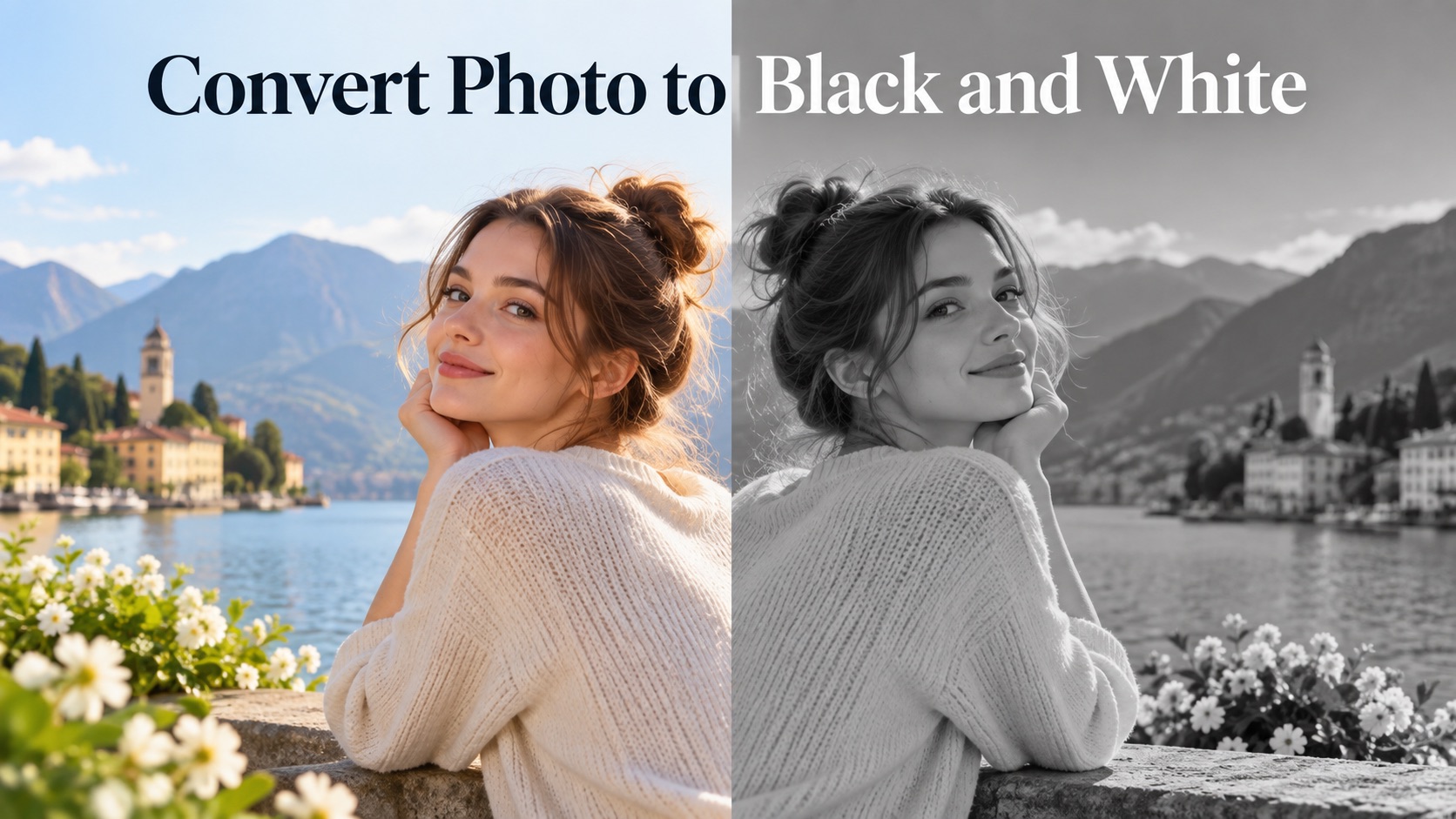
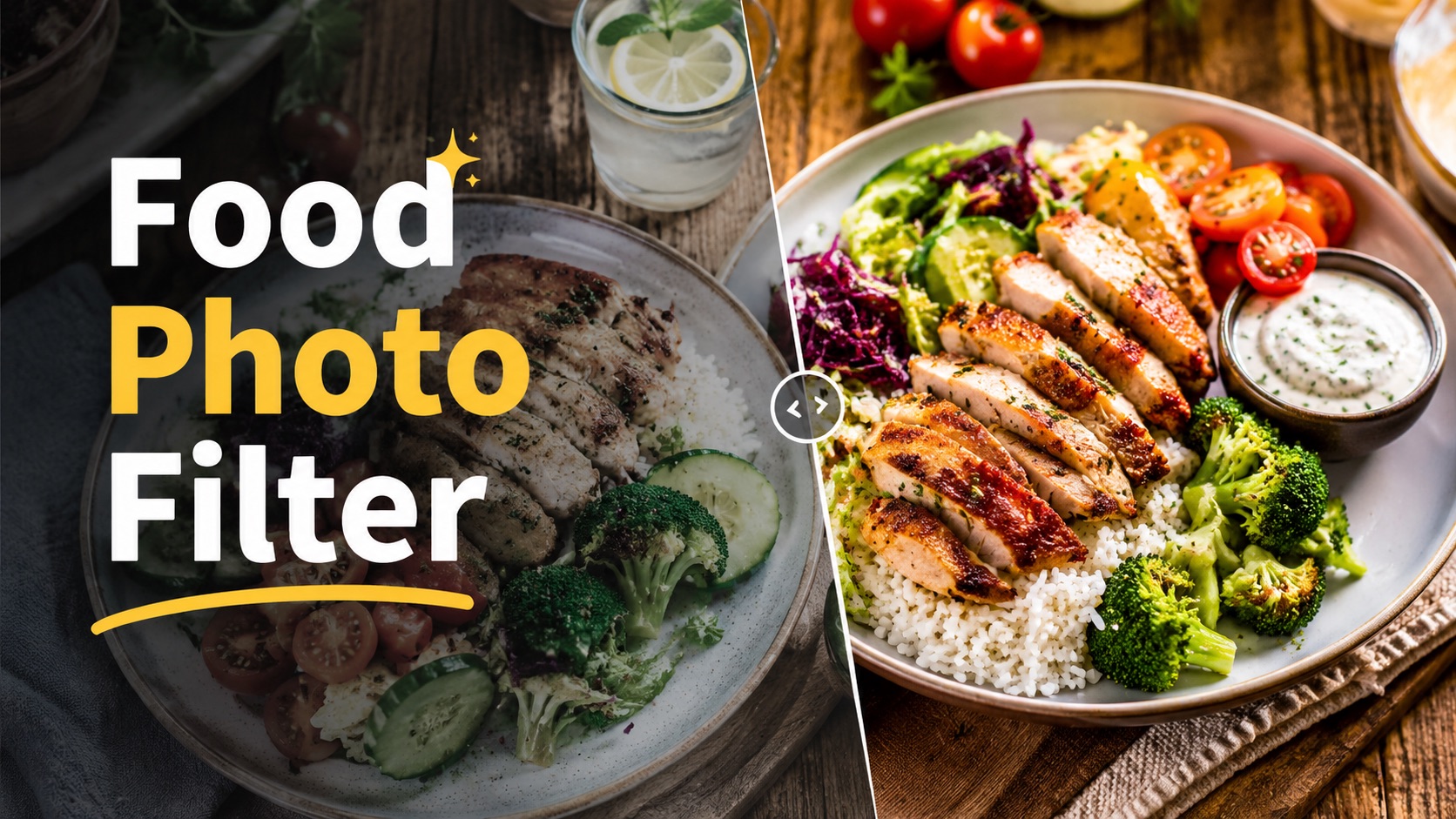
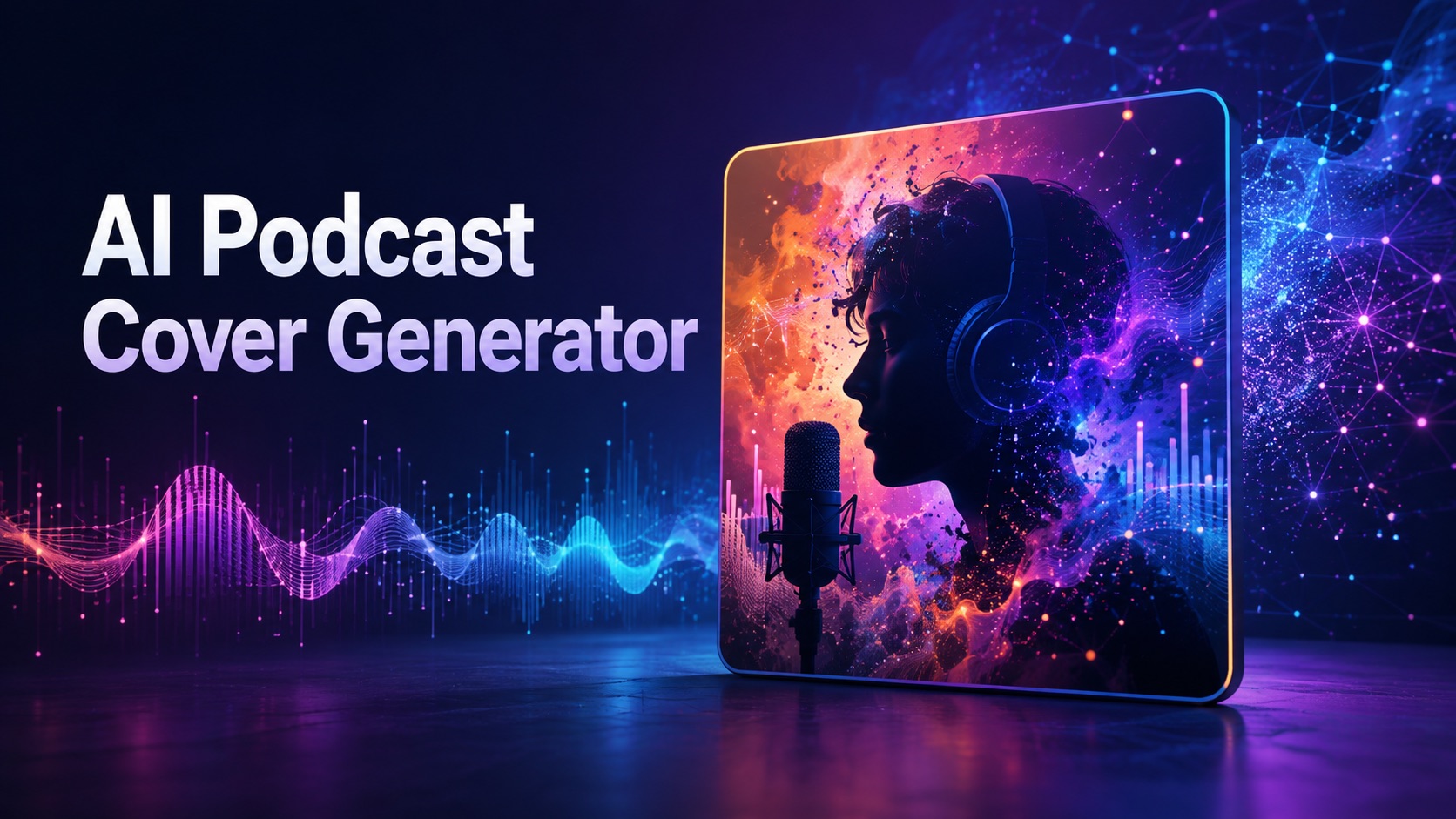
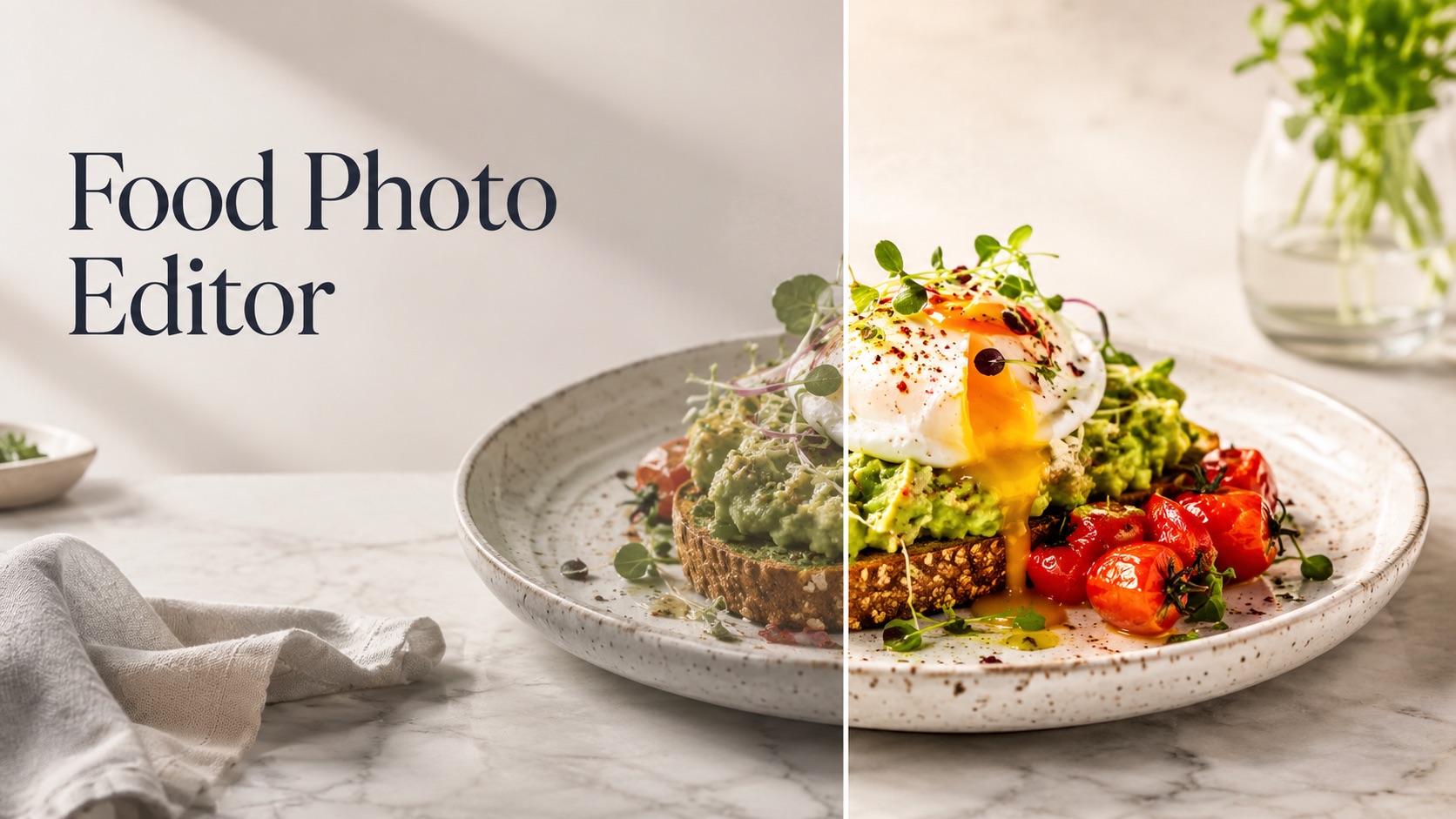
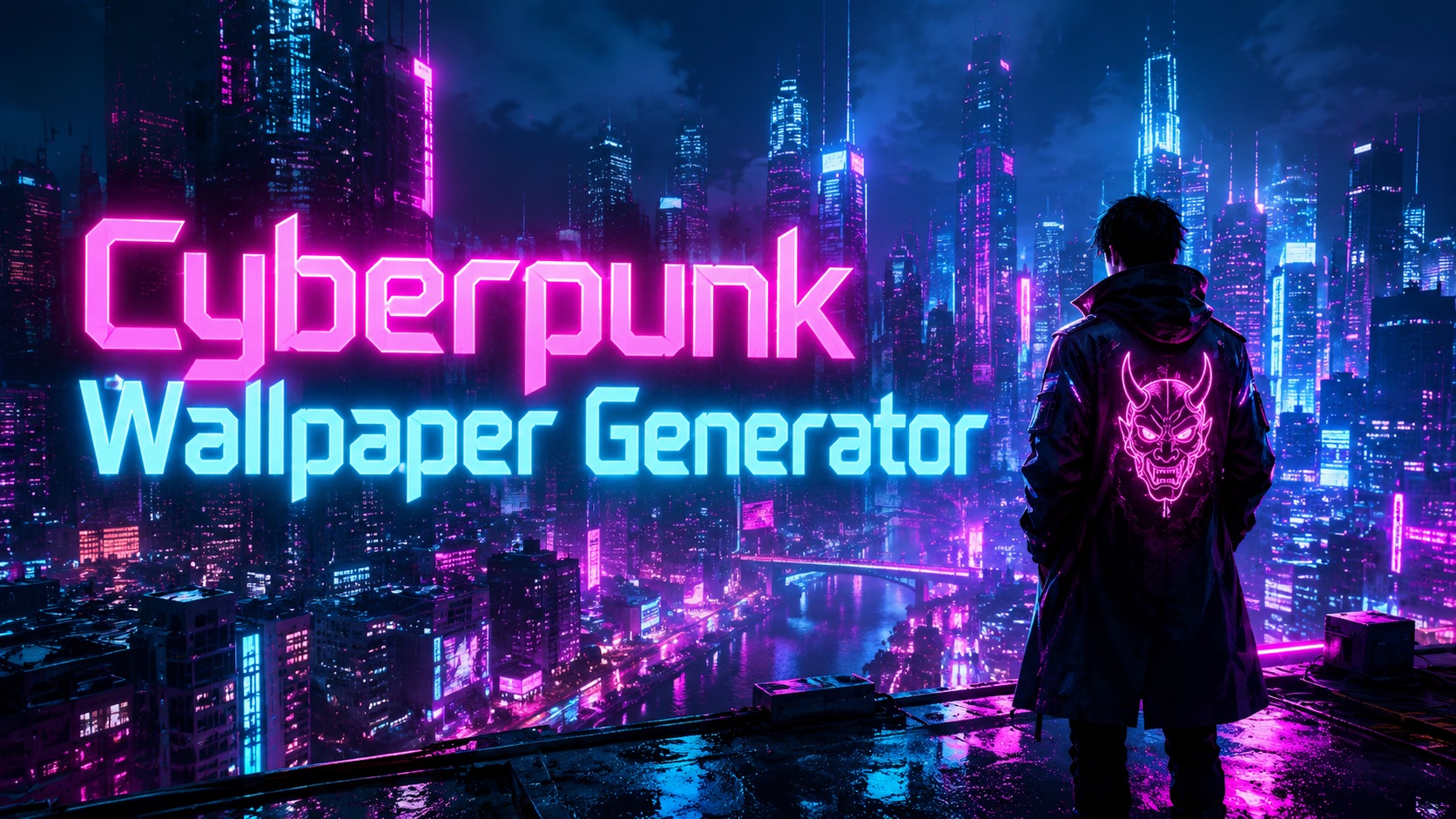
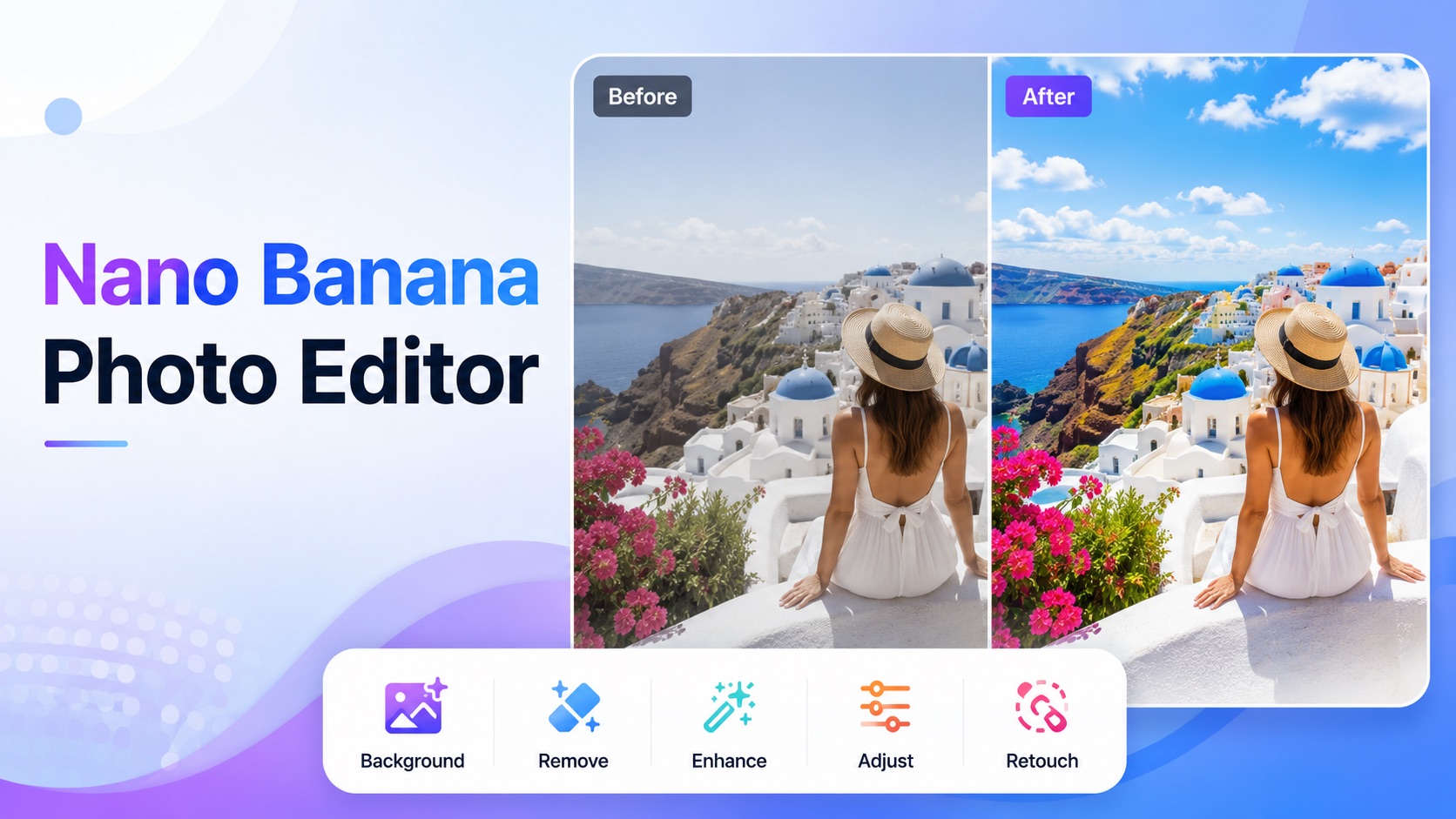
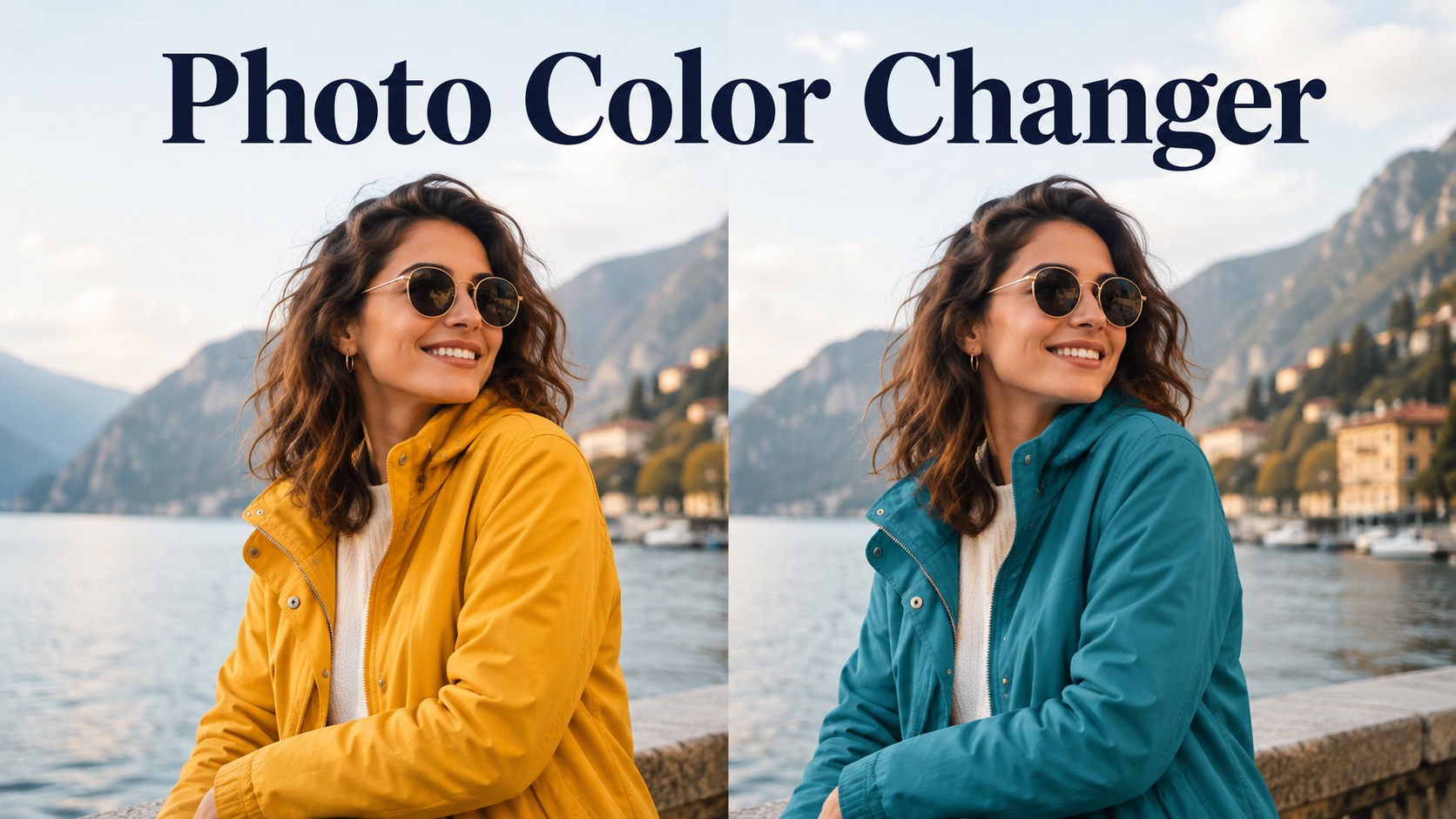
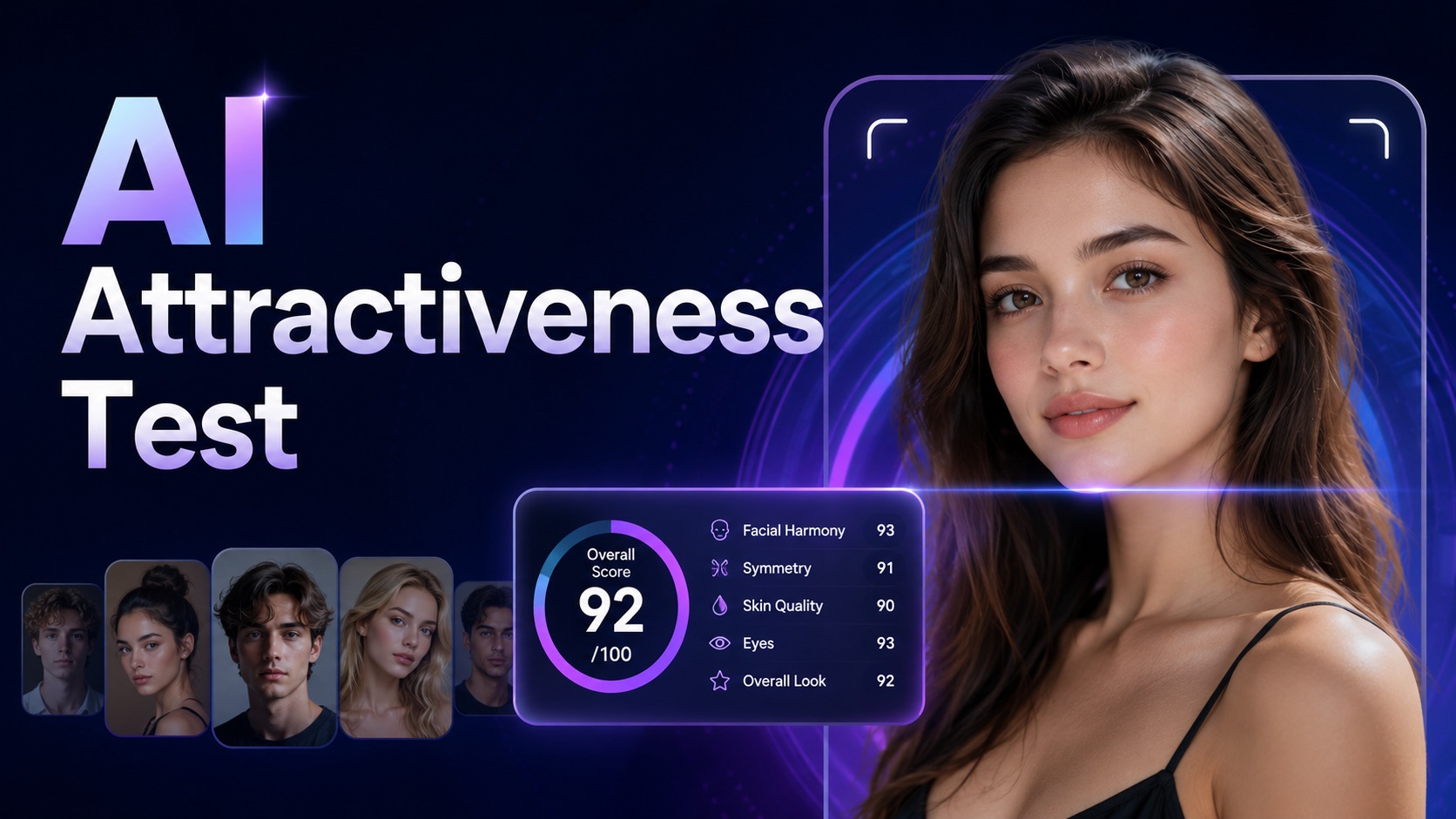
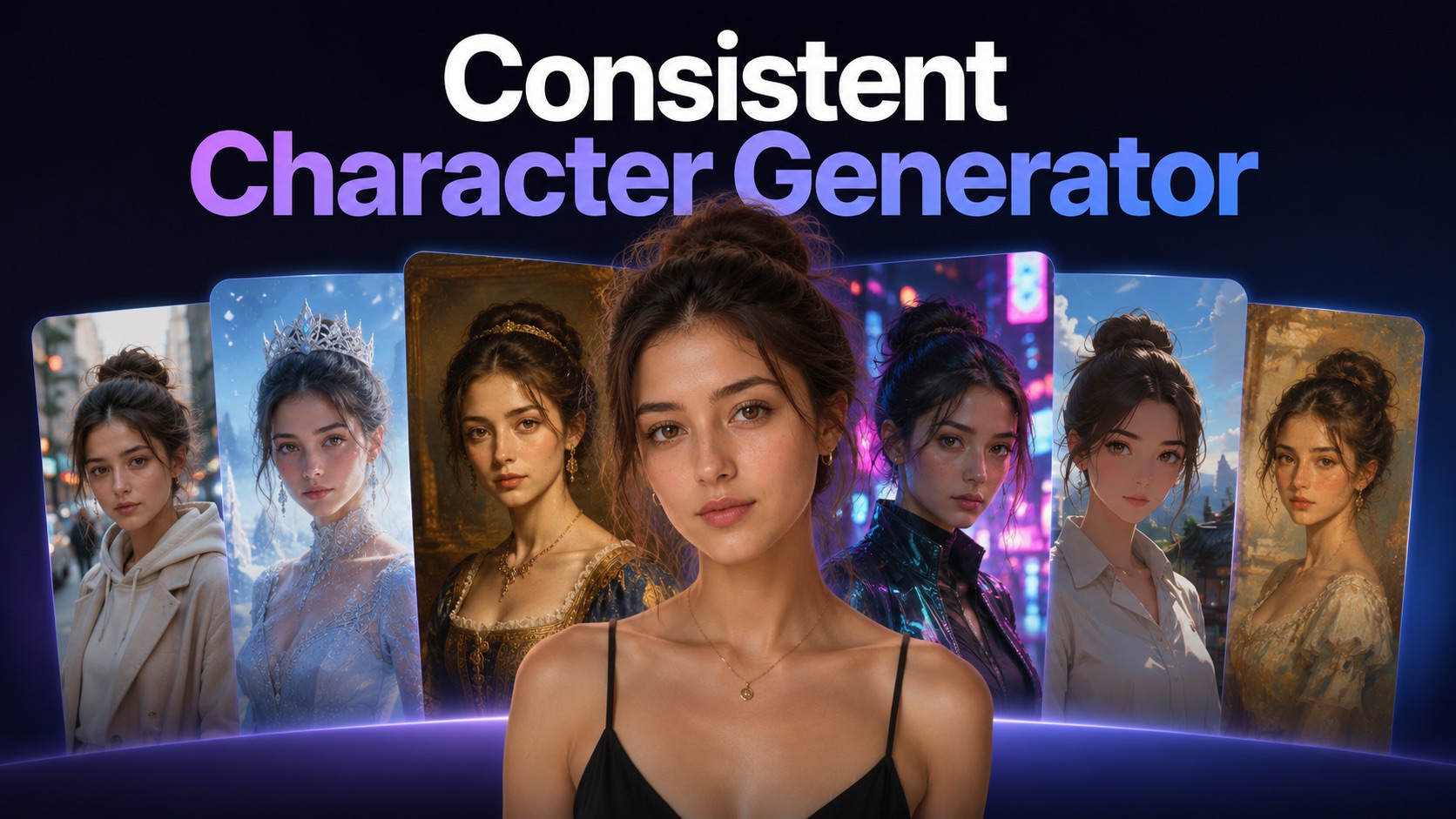
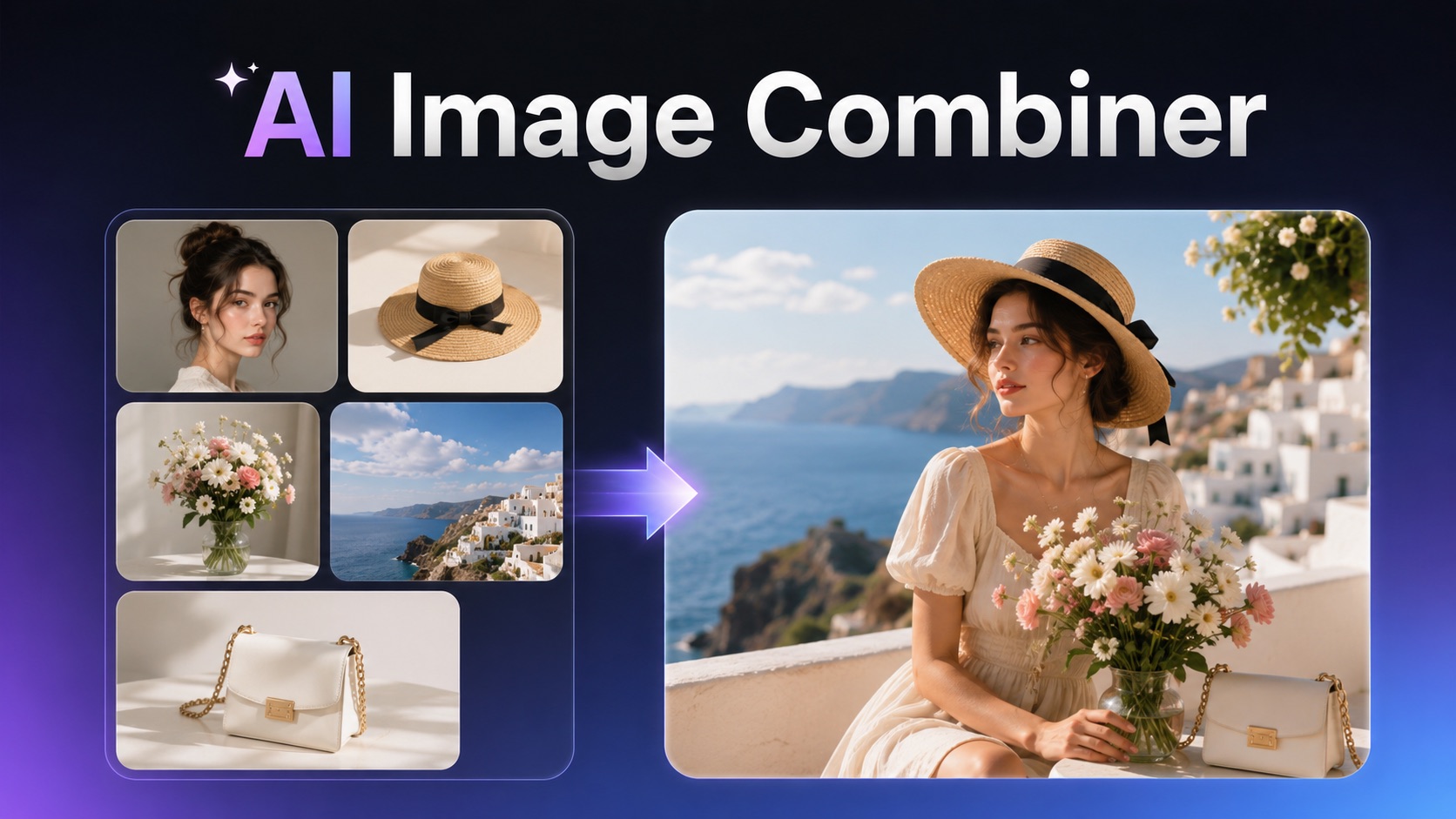
Browse practical Nano Banana prompts for Text to Image and Image to Image workflows. Use them to test creative directions, refine output settings, and prepare reusable prompt structures for future Nano Banana API integration.
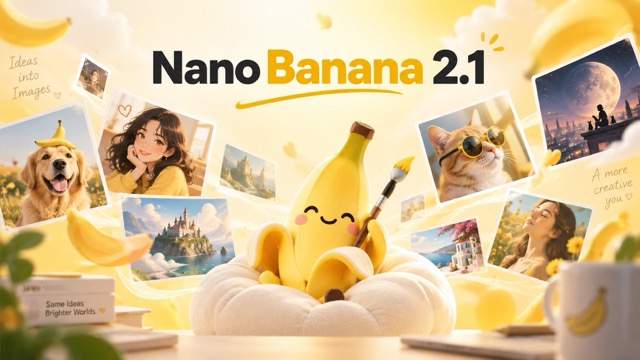
Widescreen Video Thumbnail Concept
Generates a high-impact, clean composition for video thumbnails with a clear focal point on the right and negative space for text on the left.
Nano Banana Pro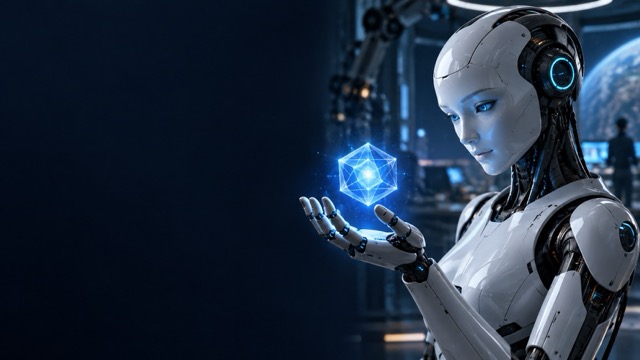
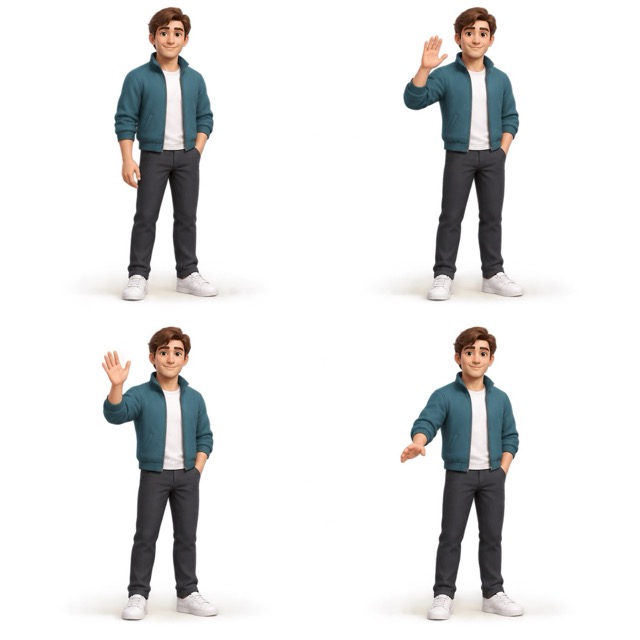
Game Character Animation Sprite Sheet
Nano Banana Pro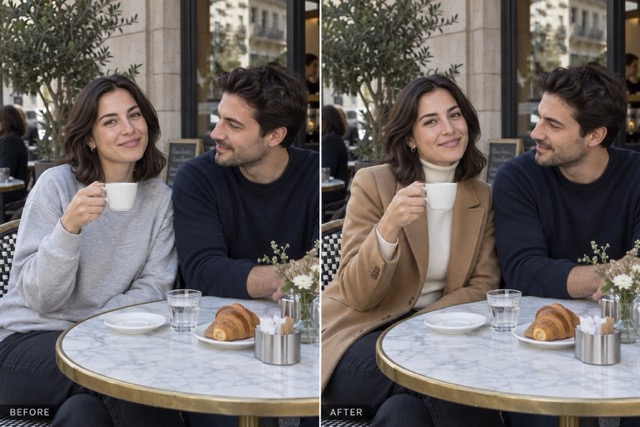
Professional Clothing Replacement
Nano Banana Pro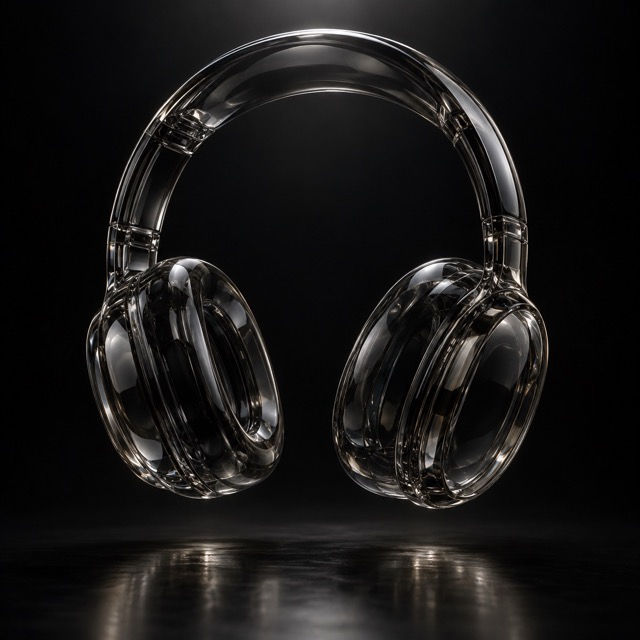
Brand Identity Presentation Board
Generates a cohesive design portfolio layout featuring a logo applied to various mockups like packaging, stationery, and mobile interfaces with consistent lighting.
Nano Banana Pro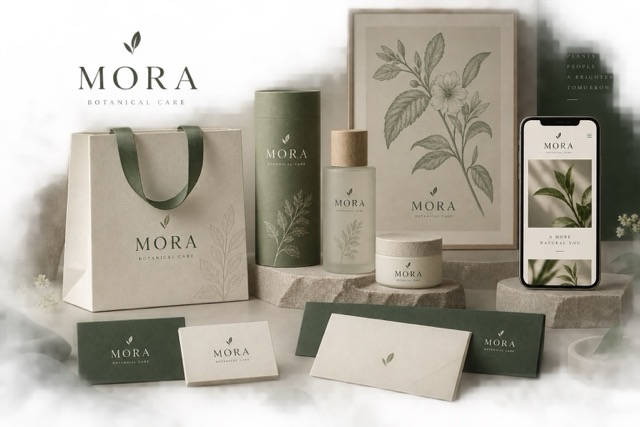
Before and After Comparison Layout
Nano Banana Pro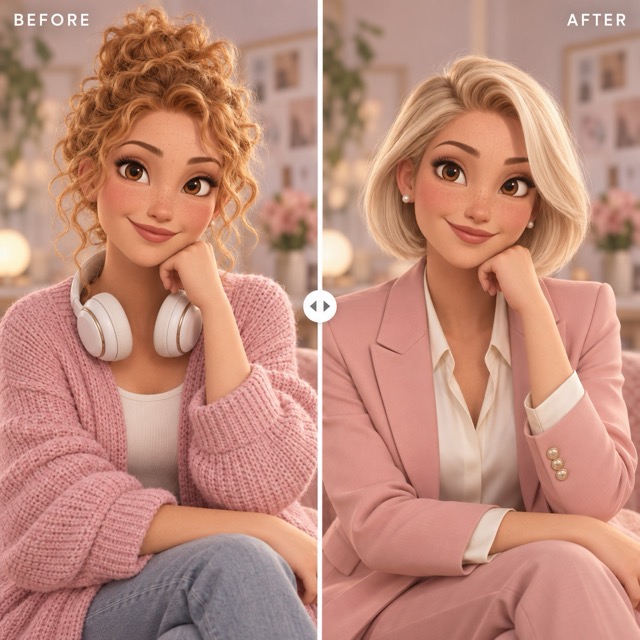
Smoky Glass Sculptural Object
Generates a minimalist 3D render of a translucent black glass object with dramatic edge lighting and internal refractions.
Nano Banana Pro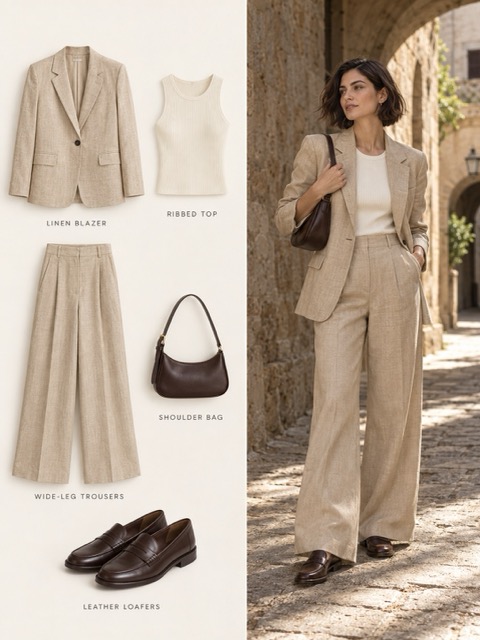
Vertical Fashion Spread and Catalog Layout
Generates a professional two-column fashion layout featuring a model in a sunlit setting alongside isolated catalog shots of the same garments.
Nano Banana Pro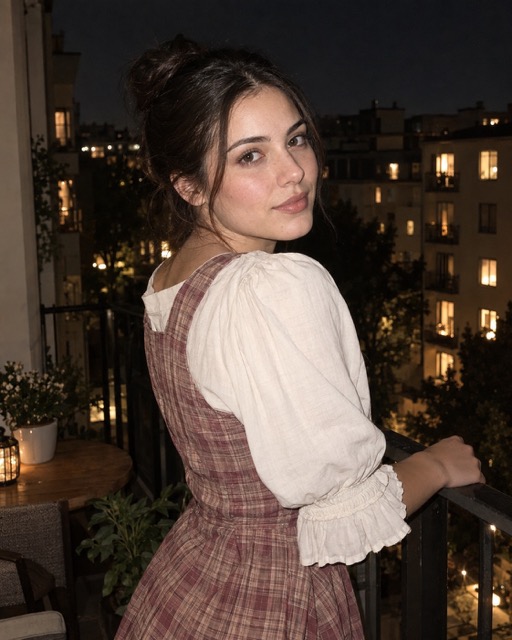
Cinematic Coastal Horseback Portrait
A realistic travel photograph featuring a specific person riding a chestnut horse through turquoise coastal water during the golden hour.
Nano Banana Pro
Evening Balcony Portrait with Direct Flash
Nano Banana Pro
Real Person and Cartoon Double Scene
This prompt generates a playful street scene where a real person sits on concrete stairs next to a hand-drawn cartoon version of themselves in the same outfit.
Nano Banana Pro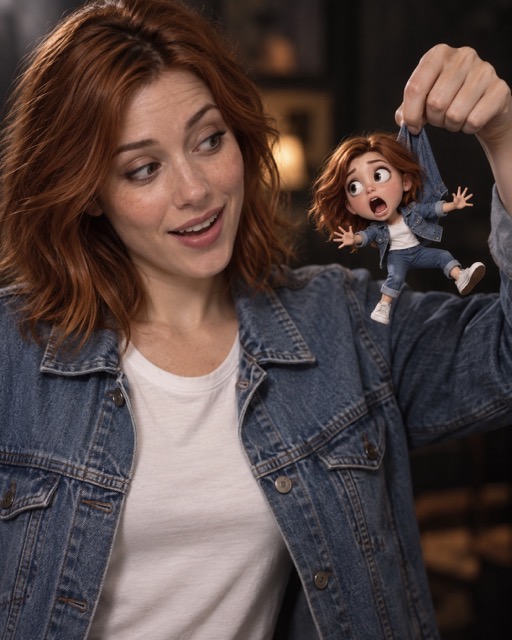
Surprised Portrait with Miniature Self
Generates a cinematic photograph of a person holding a stylized, animated miniature version of themselves with exaggerated features and matching attire.
Nano Banana Pro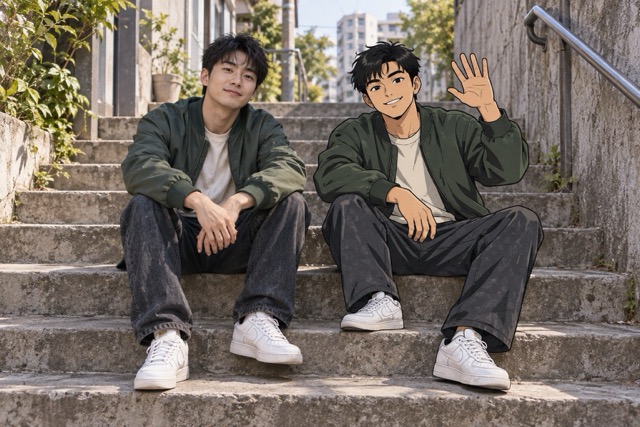
Professional Studio Portrait in Charcoal Suit
Nano Banana ProBuild your Nano Banana image generator workflow around the controls available in the form: Text to Image, Image to Image, prompt input, auto image size, 1K to 4K resolution, 1 to 4 outputs, public visibility, and upcoming Nano Banana API access.

Prompt workflow
Use the Nano Banana API Text to Image mode to describe what you want to create in a prompt. The form supports detailed prompts up to 10000 characters, so teams can define subject, style, scene, composition, and output needs in one request.
The Nano Banana API page supports AI Image workflows with Text to Image and Image to Image modes, prompt input, resolution selection, output count controls, public visibility, and API access coming soon.
Create images online today, choose resolution and image count, and prepare for Nano Banana API access through SeeAPI.
SeeAPI gives teams a practical Nano Banana API workflow based on real model controls: Text to Image, Image to Image, prompt input, auto image size, 1K to 4K resolution, 1 to 4 generated images, public visibility, and upcoming API access.

The Nano Banana API prompt box supports up to 10000 characters, giving users room to describe the image they want to create. Use it for subject details, style direction, composition, lighting, and output intent.

Choose the number of images before generation. The Nano Banana image generator supports 1, 2, 3, or 4 outputs, so users can compare variations without changing the core prompt each time.
Select 1K, 2K, or 4K resolution and generate up to 4 images while testing online. These Nano Banana API controls help teams define the workflow they will later connect through SeeAPI API access.
SeeAPI presents the Nano Banana API as a focused image generation workspace with clear controls for prompt input, image mode, resolution, output count, visibility, and upcoming API access.
Use the Nano Banana API for AI Image workflows that start from either a prompt or an image-based input.
{ "mode": "text-to-image" }
{ "mode": "image-to-image" }Choose 1K, 2K, or 4K resolution in the Nano Banana image generator form depending on the output detail you need.
Create a single result or generate up to four images in one run to compare variations from the same Nano Banana API workflow.
number_of_images: 1 | 2 | 3 | 4
Use the Nano Banana generator online today, then prepare to connect the same image workflow through SeeAPI when Nano Banana API access launches.
Go from prompt or image input to configured output through the Nano Banana image generator in SeeAPI, with Nano Banana API access planned next.
Select Text to Image when starting from a prompt, or Image to Image when starting from an image-based input.
Describe what you want to create in the Nano Banana API prompt field, with support for detailed prompts up to 10000 characters.
Choose image size auto, select 1K, 2K, or 4K resolution, and set the number of images from 1 to 4.
Use the online Nano Banana generator to validate prompts and settings now, then connect the workflow through SeeAPI when API access goes live.
Use SeeAPI to create images with the Nano Banana generator today and prepare Nano Banana API workflows around the actual controls: mode, prompt, resolution, output count, and visibility.
Use Text to Image to generate images from detailed prompts with subject, style, composition, and output requirements.
Use Image to Image when the workflow begins with an existing image input and needs a new generated result.
Compare 1K, 2K, and 4K output choices to match the level of detail required for the final image.
Generate 1 to 4 images from the same Nano Banana API workflow to compare outputs before choosing a final result.
Use online Nano Banana generator tests to decide how prompt, resolution, and output count controls should map into your future API workflow.
Use the public visibility control when deciding how generated images should appear in the workspace experience.
Creators, marketers, and developers use SeeAPI to test the Nano Banana image generator online with prompt, resolution, image count, visibility, and upcoming API access.
SeeAPI makes Nano Banana API testing practical for our team. We can write detailed prompts, choose resolution, and compare up to four image outputs quickly.

The Nano Banana image generator gives us a simple Text to Image path for campaign visuals. The 1K, 2K, and 4K choices make reviews easier.

Our team needed a clear image workflow before API integration. SeeAPI keeps the Nano Banana API controls visible, from prompt input to resolution and image count.

We use Nano Banana API tests to compare image counts and resolution settings before deciding how the coming API workflow should appear in our product.

For client reviews, SeeAPI helps us generate multiple Nano Banana image options from one prompt and prepare the workflow for API access later.

Learn how SeeAPI supports Nano Banana image generation today and how direct Nano Banana API access is planned next.
The Nano Banana API is presented in SeeAPI as an AI Image workflow with Text to Image and Image to Image modes, prompt input, configurable image settings, and API access coming soon.
Use the Nano Banana image generator to write prompts, choose output settings, and generate multiple images through SeeAPI today. Direct Nano Banana API access is coming soon.